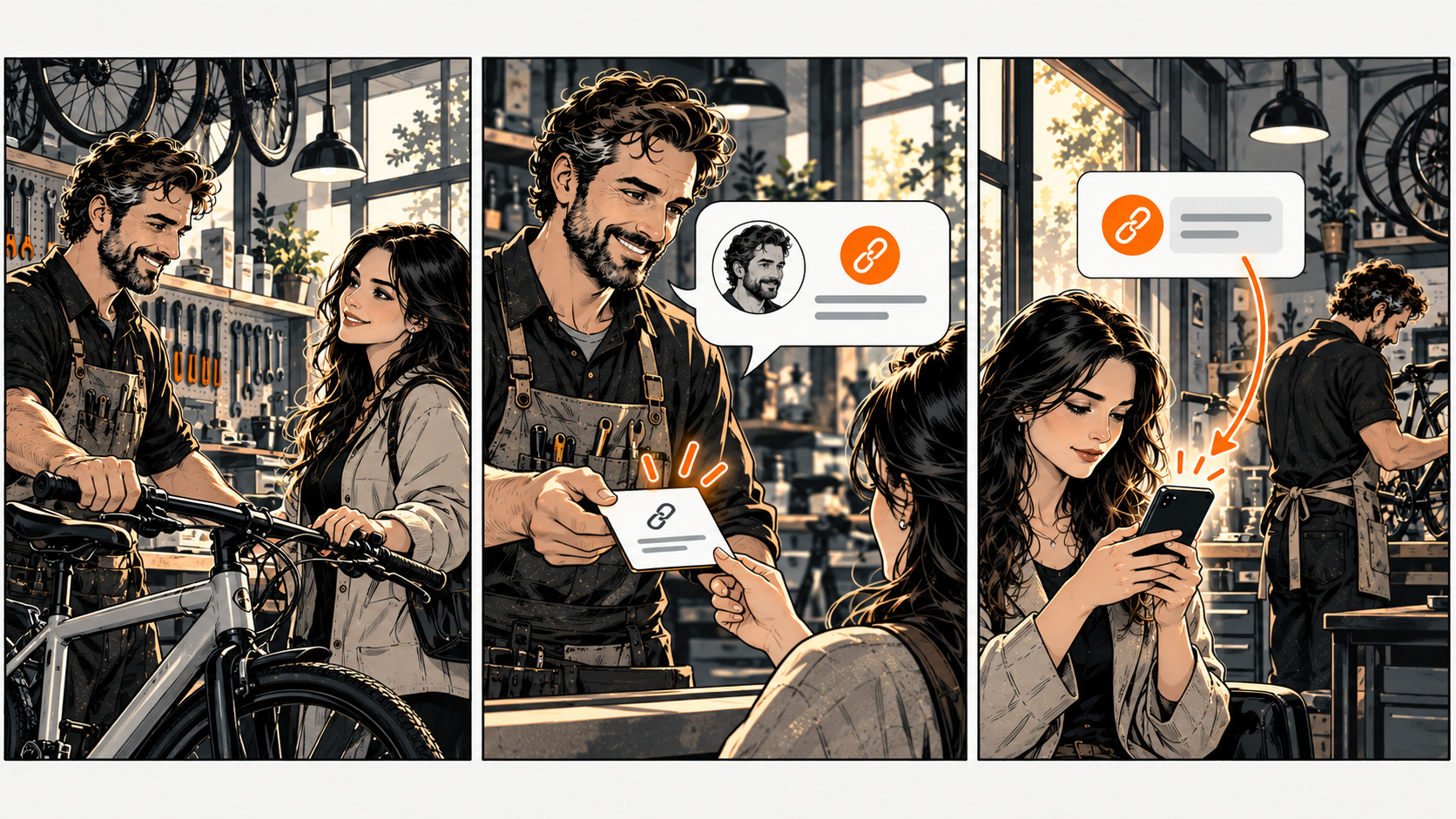
Happy customers want to help — make it easy
After a customer has experienced your service, you can offer a direct route for an honest review when the platform allows it. Use a consistent approach that doesn't depend on whether you expect praise. Keep the request optional. Respect a decline.
A bike shop wants customers to find its Google review page. 'If you'd like to share your experience, here's our Google review link' explains the destination without asking for a particular rating.
Know the platform rules before you ask
Google allows requests reflecting genuine experiences. It prohibits review incentives, discouraging negative reviews, and selectively seeking positive ones. Don't ask only people who picked a high satisfaction score. Don't offer a discount. Don't supply the words you want them to post.
Test the exact destination
Open the review link on your phone. Confirm the business name and location. If it requires a platform account, let the customer choose whether to sign in — don't write the review for them.
If your DiagBizCard includes a review link, verify it reaches the correct business. A link to leave a review is different from displaying existing reviews. Don't describe a request as proof that a review was posted.
Keep concerns separate from review requests
Provide a normal way to raise a service concern — available regardless of the person's likely rating. Don't make that route a barrier to an honest public review. Assign someone to check concerns and follow your actual service process.
Track whether you offered the request consistently and whether the link works. You can't know why a customer didn't post. Don't pressure or chase after a decline.
The Review Request Check
Pick one real situation. Copy these five lines into your notes and fill them in. The complete tool is right here — no signup or email needed.
Example: completed bike repair / optional invitation to share an honest experience / same invitation for all eligible customers / correct workshop's Google page / no repeated request after a decline.
Remove incentives or satisfaction filters first. Correct a wrong link next. Keep the review invitation and your customer-service channel independently available.
Common questions
Frequently asked questions
Can I ask for a five-star review?
Ask for an honest experience rather than directing the rating or content. Google's policy doesn't permit attempts to manipulate ratings.
What if a customer doesn't review?
Respect that choice. A request or click doesn't confirm a published review, and silence doesn't explain the customer's reason.