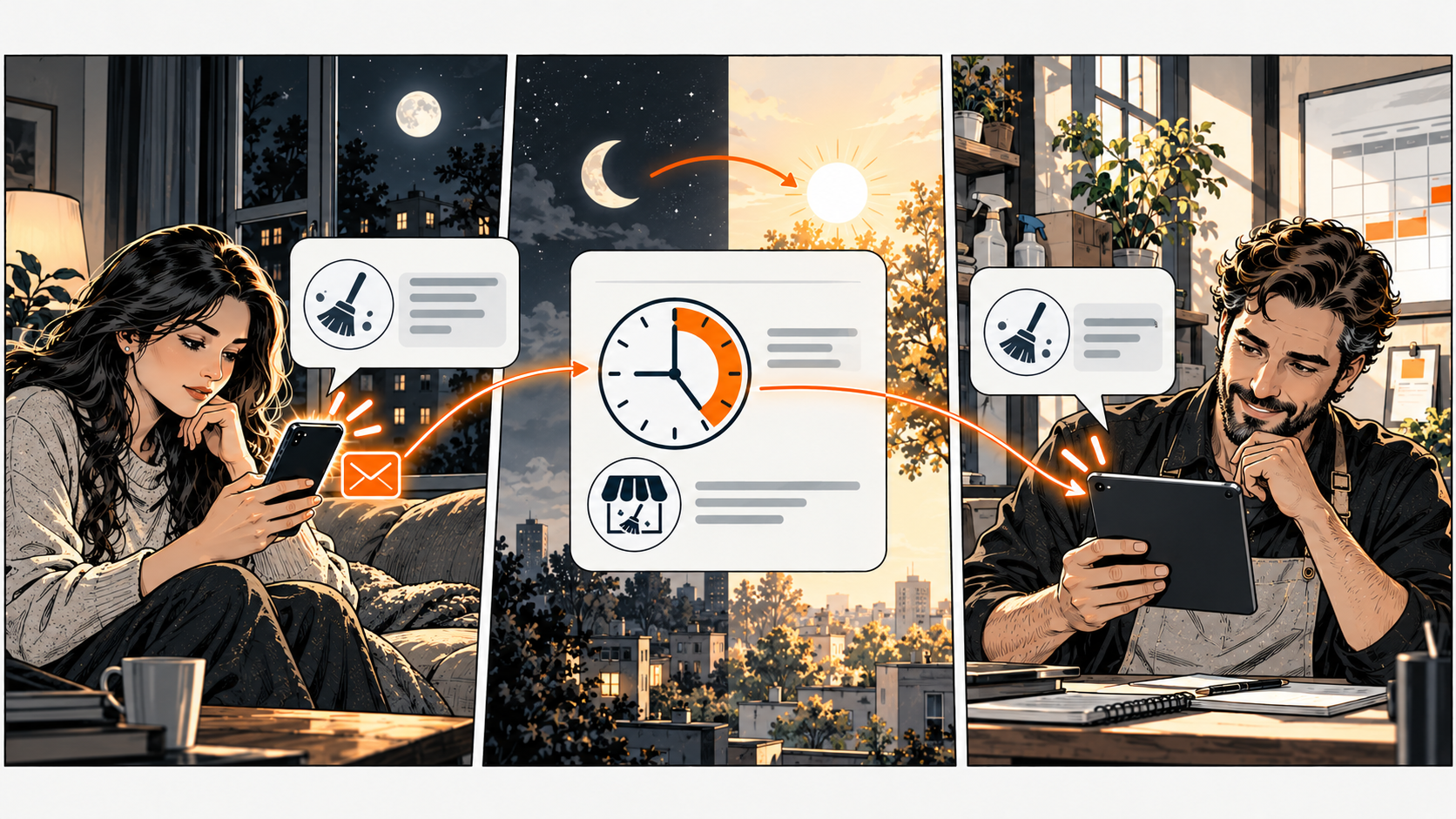
Your page works while you sleep — but does it say what happens next?
Show your current hours, a suitable contact route, and when someone will check it. If a request needs a staff reply, say so. A page can help a visitor prepare an inquiry while you're closed — but it can't create staffing or guarantee someone will wait.
A cleaner gets a late-evening question about service coverage. The page says 'Contact us anytime,' but the form gives no reply expectation. The visitor doesn't know whether submitting reserves a visit or just asks a question.
A request is not a confirmation
Use 'Ask about cleaning in your area' when staff need to confirm coverage. Request only the info needed for that answer. Explain the actual monitoring hours. Don't set a response promise until you know someone can meet it.
Don't label a request 'Book now' if it doesn't confirm a booking.
If the cleaner checks inquiries each working morning, that can become the stated process. Someone needs to cover holidays and absences — or the page needs an accurate notice.
Give the morning check an owner
Decide who checks each inbox, how they spot unanswered requests, and what they do when an answer needs another person. Start with a short list or your existing tool. A message being stored doesn't prove it was read or answered.
If a channel serves urgent work, use only a route with real coverage. Don't treat a non-urgent inbox as an emergency alternative. Publish your availability accurately — don't suggest a page or auto-reply can provide help it can't.
Test the wording without creating a real booking
Read the page and contact instructions on your phone after hours. Use an agreed test method if submission is necessary. Check what the visitor sees after submitting and what the morning owner receives.
Your DiagBizCard should show the same hours and contact destinations as your current pages.
The After-Hours Plan
Pick one real situation. Copy these five lines into your notes and fill them in. The complete tool is right here — no signup or email needed.
Example: cleaner coverage question / monitored inquiry form / request reviewed during posted hours, no booking confirmed / owner checks each working morning / holiday notice and designated cover.
If the channel is unmonitored, fix the page or assign cover. If the acknowledgment implies confirmation, rewrite it. Then verify the next working-day handoff actually happens.
Common questions
Frequently asked questions
Does this remove the need for more staff?
It can improve clarity with your current setup. Whether you need more coverage depends on volume, urgency, and the work involved.
Do I need an AI assistant?
No. Clear hours and a working handoff are useful before adding automation. Any later assistant needs approved information and verified behaviour.