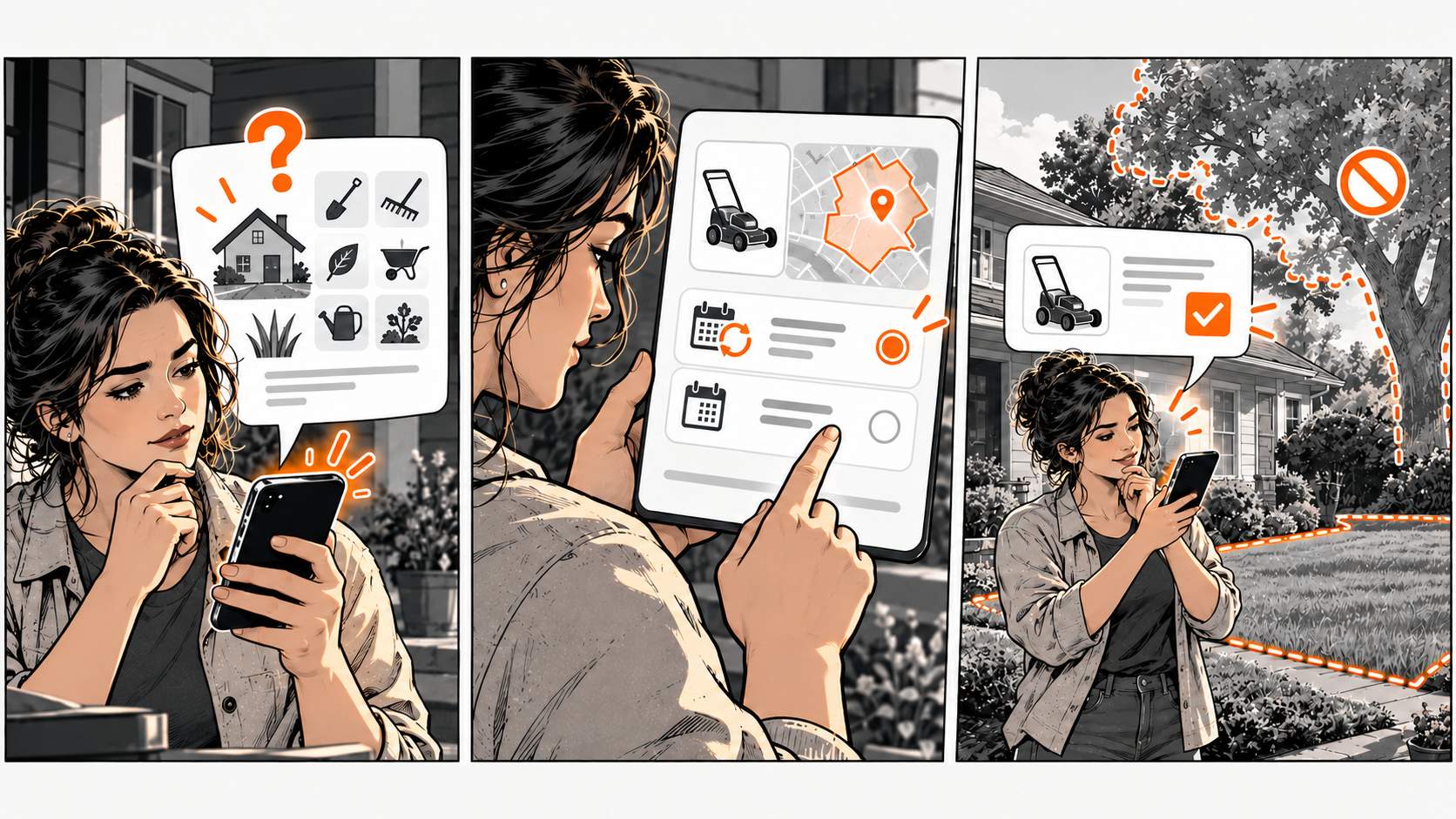
Found doesn't mean chosen
A new visitor needs to understand what you do, whether it fits their situation, and how to take the next step. Make those details easy to find on the page you share. Being visible doesn't mean the person understands the offer.
Imagine a homeowner comparing gardeners. One page says 'Complete outdoor solutions.' Another explains lawn maintenance in specified neighbourhoods and distinguishes recurring visits from one-time work. The second gives the homeowner clearer info to judge fit — it doesn't prove that gardener is better.
Describe what you actually do
Write the services you really provide in words customers use. Include your service area when it affects eligibility. State a relevant limitation before an action that depends on it.
A gardener who doesn't remove large trees shouldn't invite general tree-removal requests through an unexplained booking button.
Keep your description consistent across your shared page, your DiagBizCard, and other public profiles. Don't add a badge, qualification, or verification claim unless you can explain what it means and support it.
Show evidence that answers a real doubt
Share a relevant example of your work with permission, or link to genuine customer reviews. A labelled project photo can be more informative than a decorative stock image when the visitor is trying to understand the service.
Explain the example's scope — one photo doesn't prove every result.
Match the next action to the visitor's readiness. Someone checking coverage might need an inquiry. Someone who already knows the service might be ready for the booking destination.
Ask someone to read your page without hints
Ask what they think you offer, where you work, and what they'd do next. Note the first misunderstanding. Make one correction and repeat the test.
Don't assume more directories or a redesigned homepage will fix a missing service explanation.
The First Visit Fit Check
Pick one real situation. Copy these five lines into your notes and fill them in. The complete tool is right here — no signup or email needed.
Example: garden maintenance / households in listed neighbourhoods / no large-tree removal / permissioned photo of a maintained garden with scope caption / ask about a maintenance visit.
Fix an unclear service or coverage statement before adding more links. Keep only evidence relevant to the decision. Test whether a new reader can explain your offer accurately.
Common questions
Frequently asked questions
Should I describe every service on the card?
Include enough to identify the offer and link to detail when needed. A compact card doesn't need every policy or example.
Will this improve search rankings?
This check tests customer understanding. It doesn't establish a ranking change or guarantee more inquiries.