Is a link page enough for your business?
A link page works when customers already know you and just need a shortcut. But when they're still trying to understand what you do, whether you cover their area, or whether they should even contact you — a list of links doesn't answer those questions.
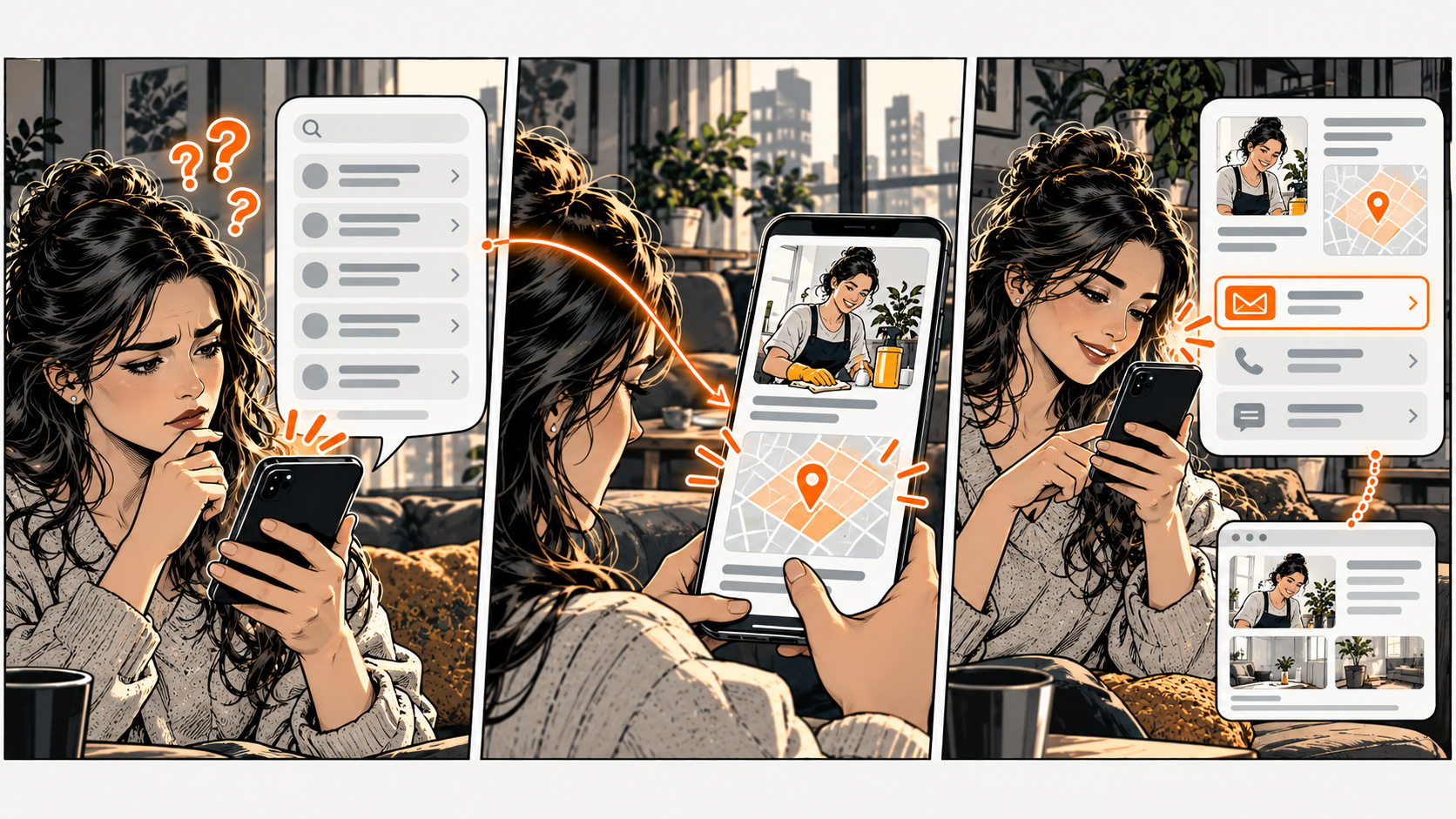
Picture someone finding your cleaning business through a neighbour's recommendation. They open your profile and see links to Instagram, a website, a booking calendar, and a contact form. They want to know: 'Do you clean apartments in my part of town?'
None of those links answers that. The information might be somewhere in there — but the customer has to hunt for it.
When a link page is enough
A simple link page is great for returning customers who already know you. They want your booking page, your hours, or your latest menu. Someone who knows your work might just need a quick way to find your workshop or contact you.
If your page explains who you are, uses clear labels, and sends people to working destinations — keep what works. Adding another tool isn't automatically better.
One thing to keep in mind: some link-in-bio services do more than just send visitors elsewhere. For example, Linktree's documentation describes free and paid bookings directly through their Bookings feature. Don't assume every link tool only redirects — check what yours actually does.
What each kind of page is good for
A link-in-bio page — use it to organize a handful of useful destinations behind one link. Check whether your service also supports the context or actions you need. A short description and a few well-chosen links might be enough for a simple offer.
Your website — use it when people need depth: service details, examples of work, coverage areas, policies, or explanations that don't fit on a compact page. Before building a new one, check if an existing page could become a better destination for your profile link.
Google Business Profile — for eligible businesses, it supports discovery on Google Search and Maps. Google says a profile can include hours, phone, location, service area, photos, reviews, and links to your website or booking page. Keep it alongside whatever page you share directly with customers.
A digital business card — use one when saving and sharing contact info is a central task. Products vary, so check the actual card on your phone rather than assuming what the category includes.
Your DiagBizCard — a shared place where customers find your business info, contact you, save your details, and reach your review link. Keep a useful booking or service destination connected where it fits. The real work is choosing accurate information and testing the paths you make available.
These tools work together. A customer might discover you on Google, read details on your website, and save your card for later. You don't need to cram the whole journey onto one screen.
Three real examples
A cleaner getting first-time inquiries: service area and job type matter before booking. A page that explains those and links to the right inquiry route helps the customer check fit. Sending everyone straight to a calendar might book jobs you don't do.
A bike repair shop: a returning customer just needs your hours, your address, and a way to contact you. A compact, current page handles that well. A detailed website page is still useful for explaining repair types or what to bring.
A tutor: new parents want to understand subjects, age ranges, and lesson format before talking. Put those details on the page you share. Keep personal info out of public examples.
These are illustrations. Choose based on what your customers actually ask — not by copying another business's page.
What a new visitor needs before they choose you
Start with a plain description of what you do and who you serve. Add your service area when it affects eligibility. Make your business name and contact details consistent across every page.
Then include the evidence that helps someone judge fit. A repair shop could show its actual service categories. A cleaner could explain what a standard visit includes. A photographer could link to a real portfolio. Use genuine information you have permission to show.
Keep the important details near the action that depends on them. A visitor shouldn't have to scroll through your social feed to find out a service is no longer available.
For help with the action itself, read Turn More Page Visits Into Real Bookings
The Business Link Fit Check
Open the page you currently share with customers. Use these five lines to decide whether to keep it, improve it, or use a different page. Copy them into your notes — no account, email, or new tool needed.
1. Visitor — Is this usually a new customer, a returning one, or someone you just met?
2. Decision — What do they need to figure out before the page has done its job?
3. Missing info — Can they find the service, location, or proof that decision depends on?
4. Best existing page — Which current page or card handles that job most clearly?
5. Choice — Keep this page, fix the missing detail, or share the better destination instead?
Example for a cleaner:
Visitor: new customer from a neighbour's recommendation.
Decision: whether you clean apartments in their area.
Missing info: the profile links to a calendar but doesn't show the service area.
Best existing page: the service page already lists covered areas and explains how to request a quote.
Choice: make that page the main destination and keep the contact card for people who want to save your info.
What your answers tell you:
- Keep the page if a visitor can understand your business and complete the task without help.
- Improve it if one missing explanation, outdated detail, or wrong destination is the main problem.
- Use another page if the customer needs depth this compact page can't provide.
- Consider a different tool only when you can name a task your current setup can't handle.
Try the same page with someone who doesn't know your business. Ask what service they think you offer and where they'd go next. Their answer reveals what's obvious to you but not to a new customer.
Common questions
Do I need both a website and a digital business card?
Both can be useful when they handle different jobs. A website explains your services in detail. A card makes business and contact info easy to share. Keep them consistent and don't send customers through extra pages without reason.
Should I delete my link-in-bio page?
First check where you share it and whether customers use it successfully. You might just need a better description, fewer outdated links, or a different main destination. Don't break a working link just to reduce your tool count.
Will a better page bring more inquiries?
That depends on who visits, what you offer, and whether the new page solves a real difficulty. First test whether a visitor can complete the intended task. Keep a note of the change and watch for feedback or shifts in inquiry patterns — a page swap alone doesn't prove cause.
Your next step: run the Business Link Fit Check on the link you share most often. Keep what works. Fix the first missing piece before buying or rebuilding anything.