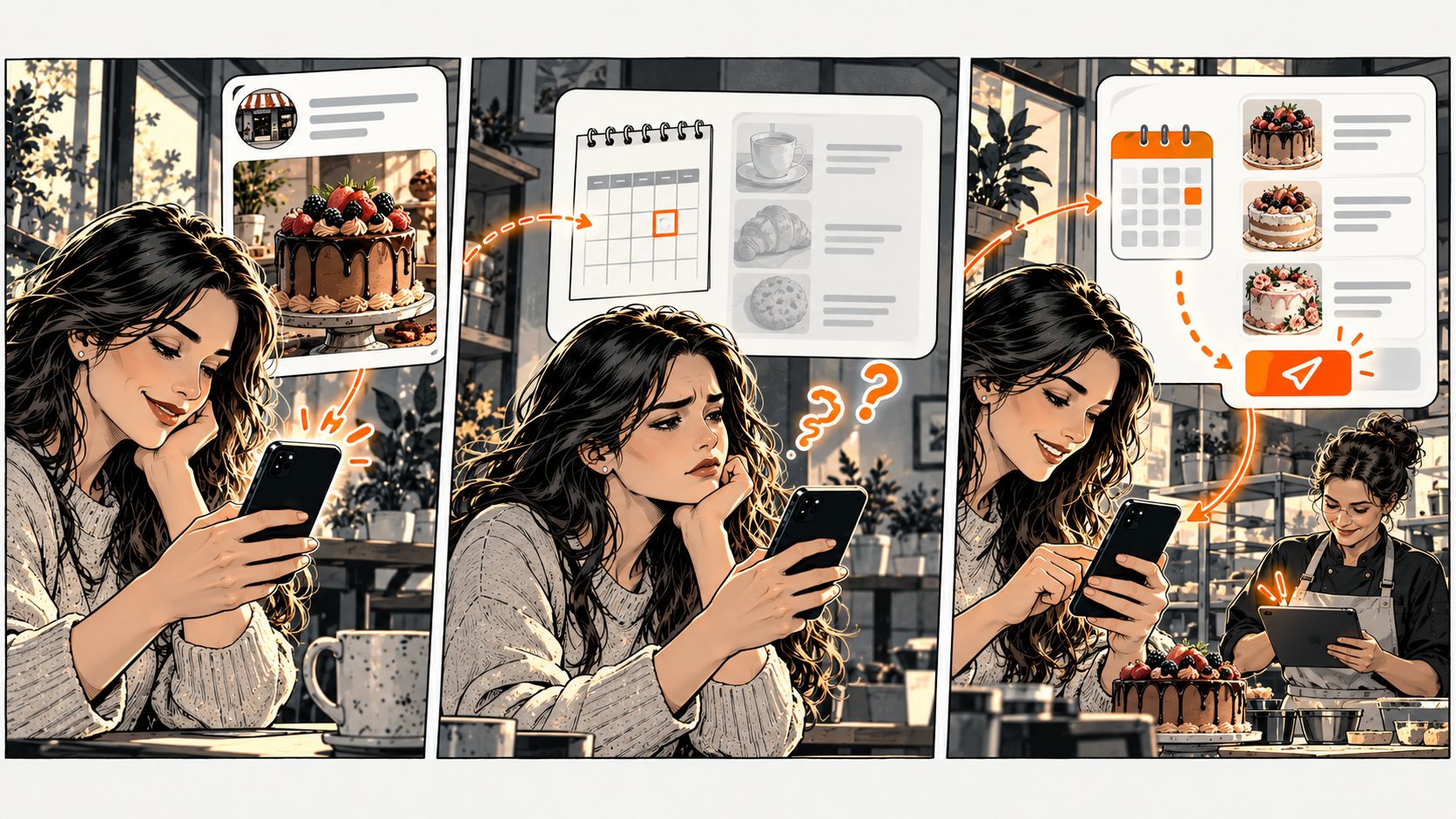
Your post gets attention. Then what?
Pick one post and figure out what an interested person would reasonably want to do next. Link to a destination that supports that task. Explain what happens there.
Likes and comments show engagement. They don't tell you whether someone intends to buy.
A bakery posts a weekend cake menu. A visitor wants to know how to request one for Saturday. The profile link opens a general homepage with last month's menu. The post worked — but the next page doesn't answer the question it created.
Keep the route specific
If the post is about cakes, point to current cake info or a clearly labelled inquiry route. State collection dates, ordering limits, or the need for confirmation when those details apply.
'Request a cake' is more honest than 'Order now' when your team needs to review availability.
You don't need a special page for every post. Reuse a current page when it handles the same task. Just remove outdated announcements from that destination so the reader doesn't have to guess what still applies.
Check it on your phone
Open the post as a visitor would. Follow the profile link. Find the relevant action. Note unnecessary steps — but don't rely on an arbitrary tap count. One extra step is fine when it explains a necessary condition. A short path can still fail if the destination is wrong.
For the bakery, a current menu next to a request route could answer the collection question before the customer submits. The request should explain that staff confirm the cake — it shouldn't imply a completed purchase.
Learn from the next conversation
When someone does inquire, ask what was unclear. Keep an anonymous note of the question and the page involved. A change in inquiry counts might reflect audience, season, or offer — not just your link. Test the route directly before attributing any outcome to a new link.
Your DiagBizCard can be the shared destination when its current information fits the task.
The Post-to-Page Check
Pick one real post. Copy these five lines into your notes and fill them in. The complete tool is right here — no signup or email needed.
Example: weekend cake post / request a Saturday cake / current cake menu / collection date and confirmation requirement / 'Request a cake' opens the correct inquiry route.
Fix a wrong destination first. Add the missing condition next. Then ask someone who doesn't know the post to follow the same path without coaching.
Common questions
Frequently asked questions
Should every post aim for an inquiry?
No. Some posts inform or entertain. Give a next step when it helps the post's purpose — don't force a sales action onto every update.
Do more likes mean the route works?
Likes show engagement with the post. They don't prove that a reader found or completed the intended next step.